.svg)
%201.svg)


%201.svg)
담당자가 프로모션 코드를 발송해 드립니다.
와탭을 경험해 보세요.
와탭을 경험해 보세요.
와탭을 경험해 보세요.
와탭을 경험해 보세요.
와탭을 경험해 보세요.
와탭을 경험해 보세요.
와탭을 경험해 보세요.
와탭을 경험해 보세요.
WhaTap AI를 경험해 보세요.
Why Java Can Be Decompiled and How to Use JD-GUI
Java, by design, is a platform-independent language, which means it inherently has a structure that allows decompilation.
When Java source code (.java) is compiled, it is converted into bytecode stored in .class files. Through decompilation, these .class files can be converted back into readable .java source code.
The same is true for C#. In fact, C# decompilation tools are often so sophisticated that decompiling your own code can sometimes result in cleaner, more readable output than the original source.
In the past, because source code could potentially be exposed through decompilation, code obfuscation was widely used to make reverse-engineered source difficult to understand. However, as open-source development has become more common and modern businesses have grown more complex and faster-moving, the demand for obfuscation has steadily declined.
At WhaTap Labs, we place greater value on the engineers who write the code than on the code itself, and we do not consider code exposure to be a critical concern. For this reason, obfuscation is not a priority for us. In fact, WhaTap Labs is considering open-sourcing parts of our performance analysis agent code.
With that context, let’s take a closer look at Java decompilation and how to use JD-GUI.
Java Decompilation with JD-GUI
Decompilation is typically used when you want to understand how someone else’s code works. There is usually no reason to decompile code you wrote yourself.
For example, while reviewing code, you might suddenly wonder how a class called Print actually works. In Eclipse, you can press F3, and in IntelliJ IDEA you can press Command + B (or Ctrl + B on Windows) to navigate to the source.
If the class was written by you and the source (.java) is available, the IDE will jump directly to the method declaration. If not, you will see a screen like this:
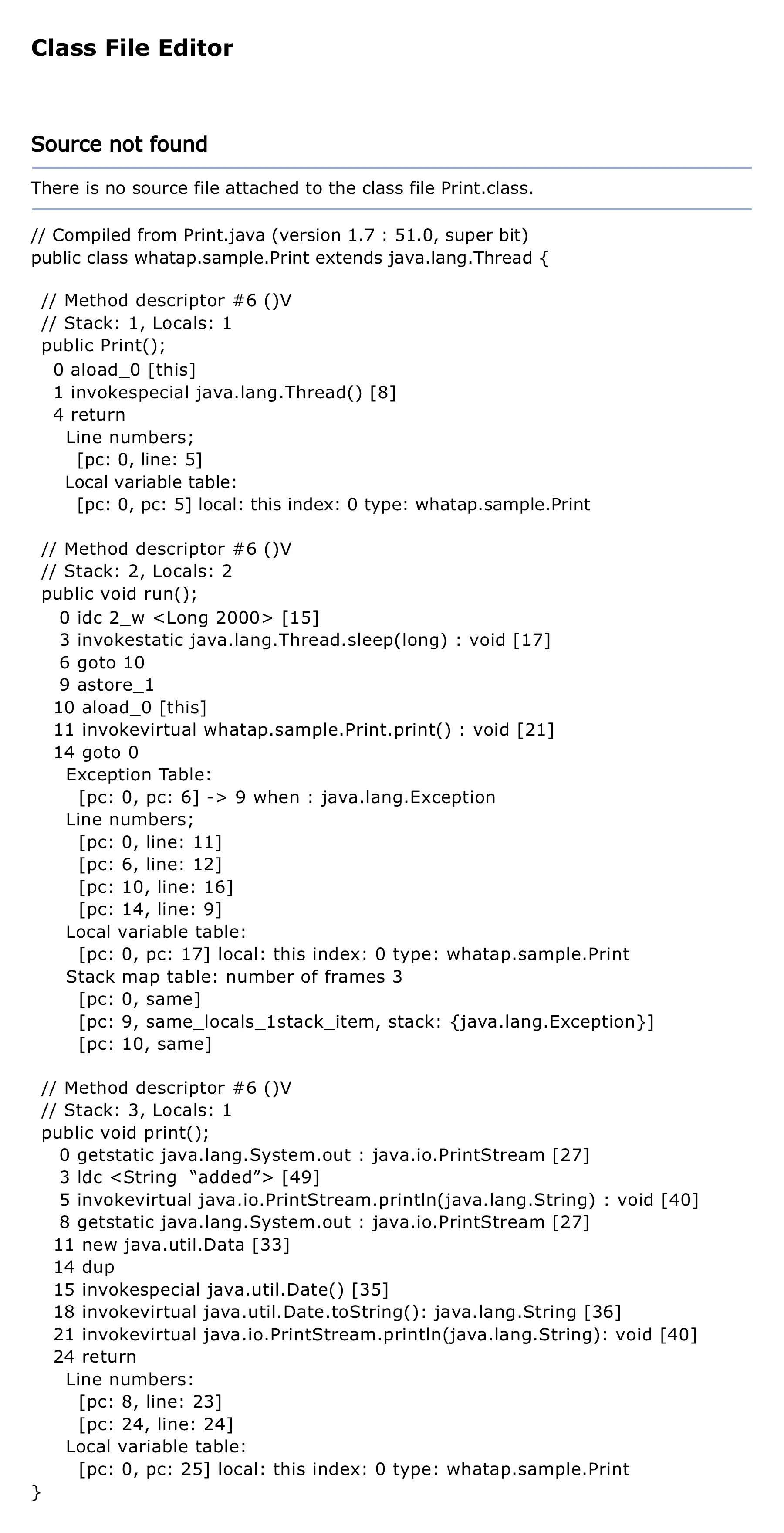
Along with this message, the bytecode of the class is displayed. Unless you are deeply familiar with Java bytecode, understanding it is extremely difficult—and attempting to do so may not be great for your mental health.
In these cases, you can decompile the .class file using JD-GUI to view the corresponding .java source code. For example, you can see that the print method of the Print class outputs "HelloWorld" along with the current time.
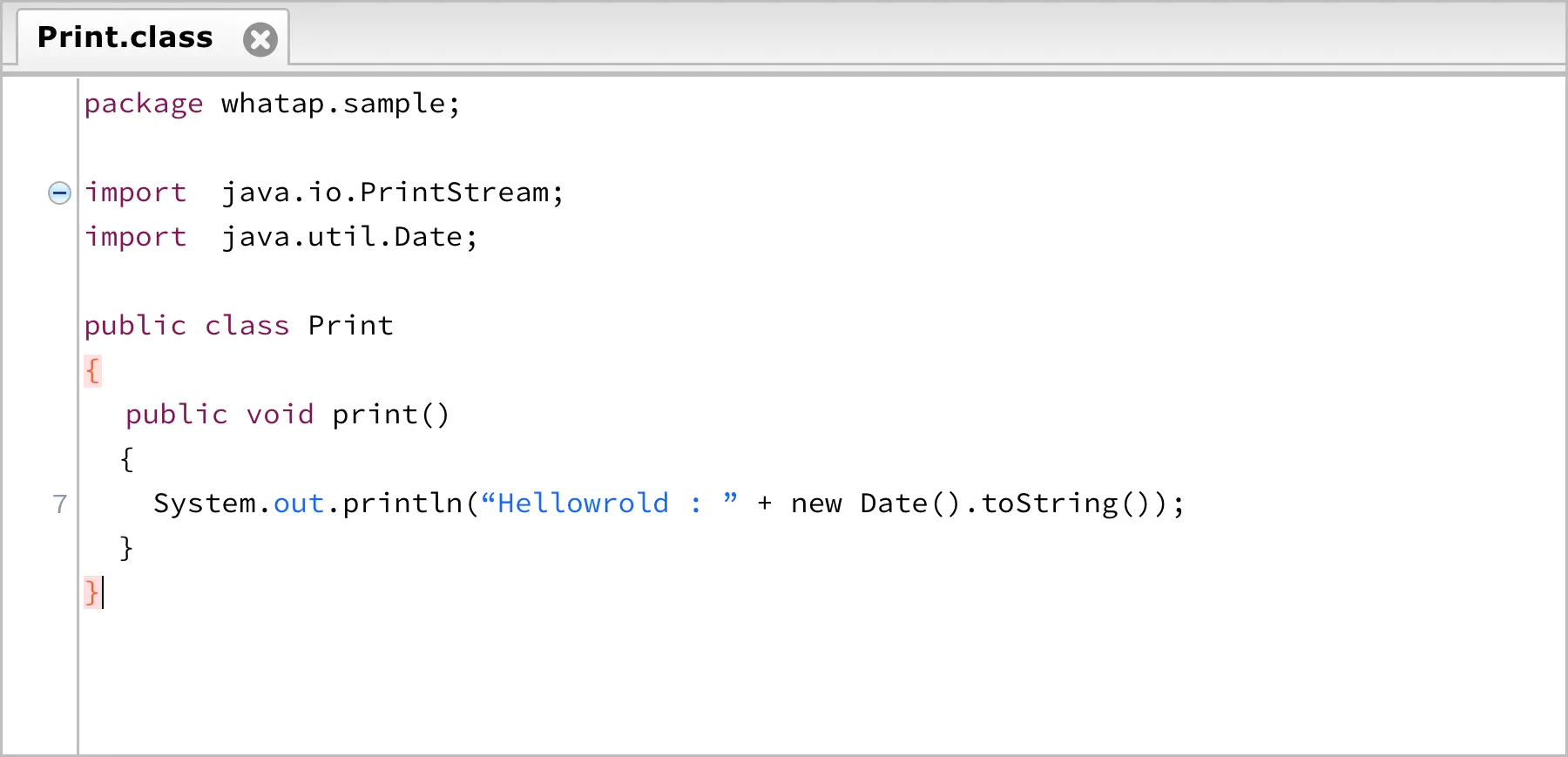
If you’re curious about how System.out.println works internally, you can continue decompiling deeper into the implementation.
Introduction to JD-GUI
JD-GUI is one of the most widely used Java decompilation tools, largely because it provides a convenient graphical user interface. It runs on Windows, Linux, and macOS.
Key Features
- JD-Core and JD-GUI are written in Java and Groovy
- JD-Core supports most modern Java compilers, including:
- jdk1.1.8 through jdk1.7.0
- jrockit90_150_06
- jikes-1.22
- harmony-jdk-r533500
- Eclipse Java Compiler v_677_R32x, 3.2.1
Limitations
- Java 8 lambda expressions are not supported
- For up-to-date compatibility details, refer to the official website
Decompiling JAR Files
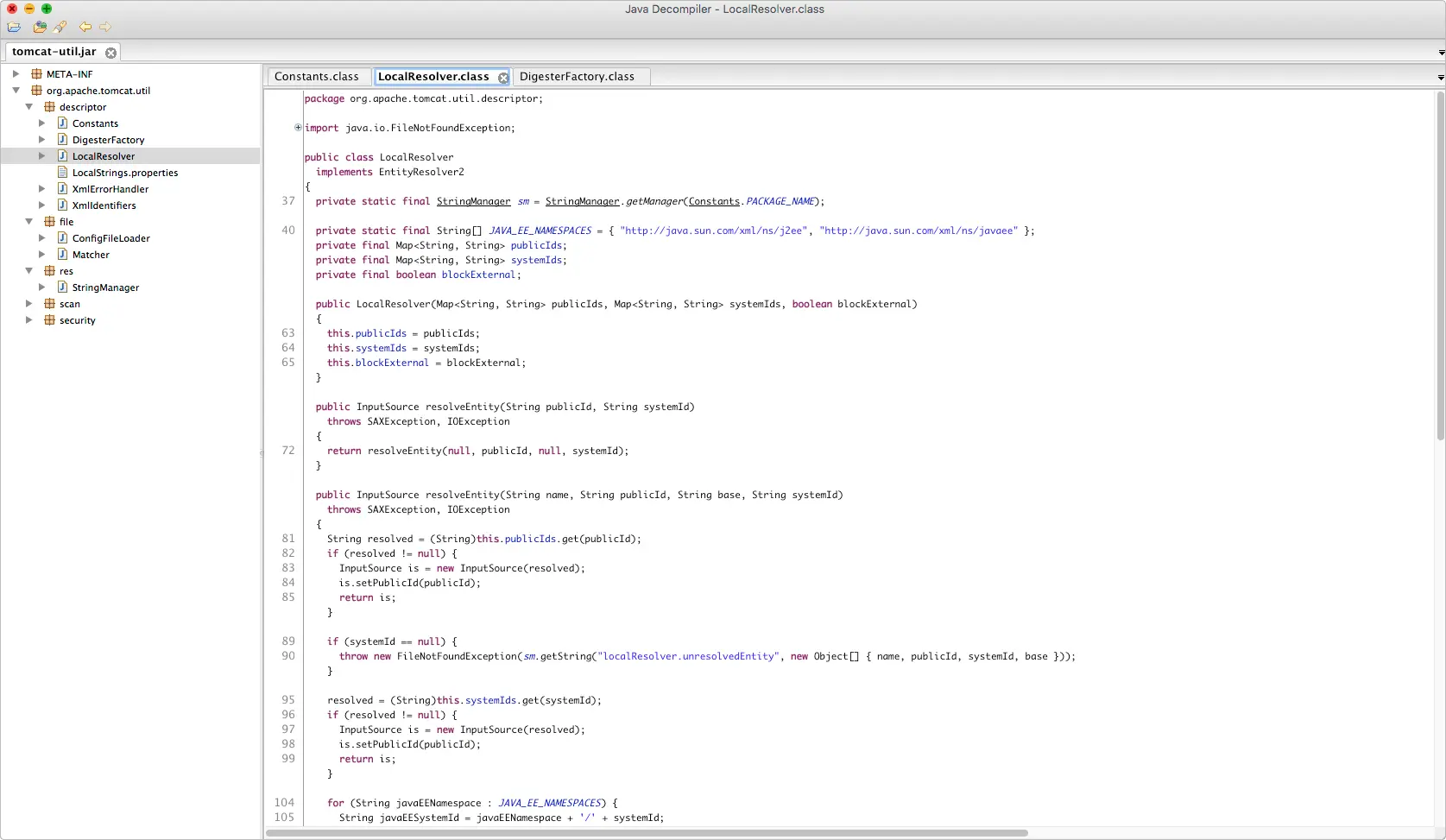
As an example, let’s open tomcat-util.jar. The screenshot below shows JD-GUI running on macOS.
You can see that the classes inside the JAR are decompiled and organized by package. Classes with underlined names are clickable—selecting one takes you to the decompiled Java source for that class. (Navigation is limited to classes within the same JAR.)
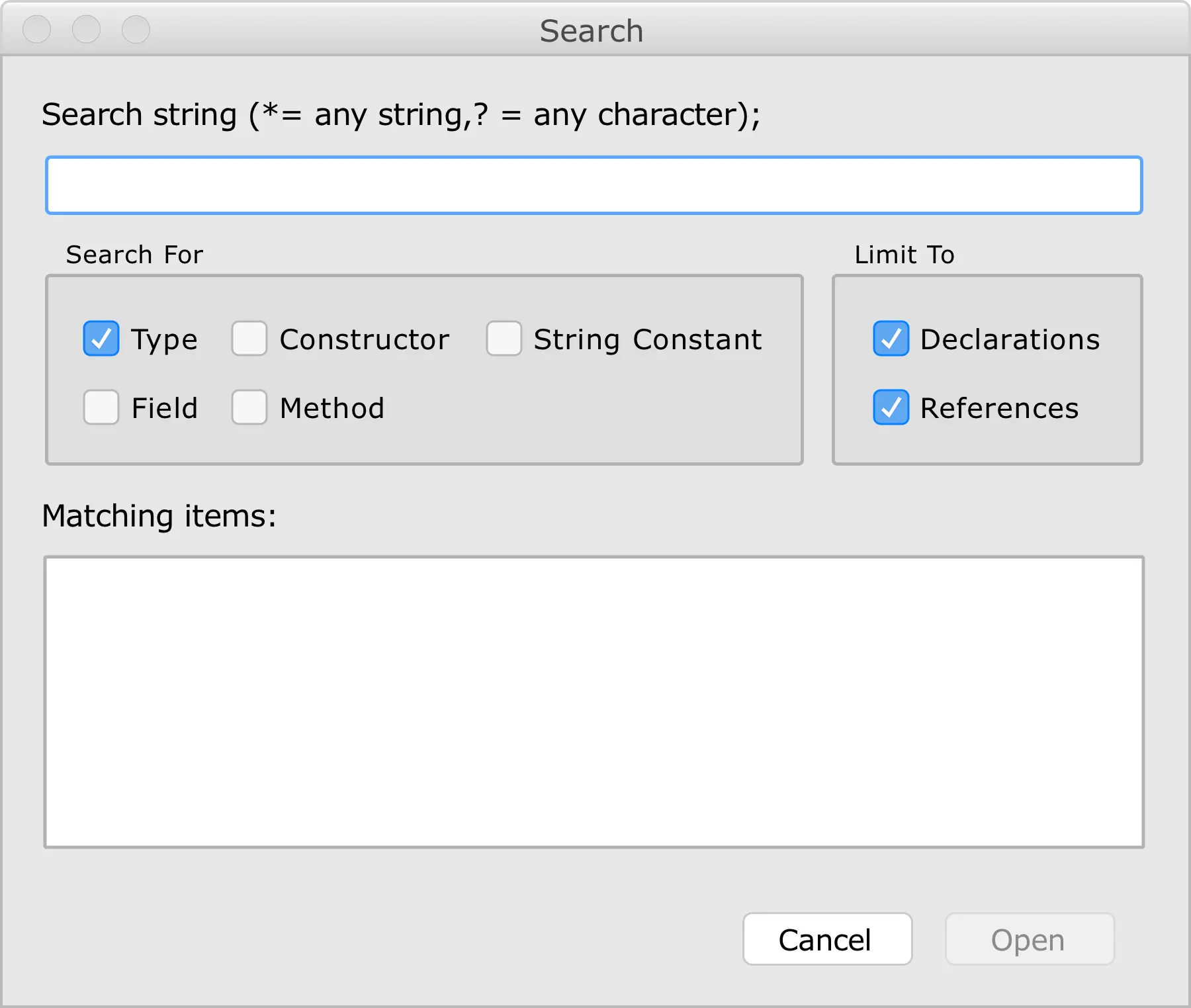
JD-GUI also supports filtered search across decompiled Java code.
Decompiling Obfuscated Java Code
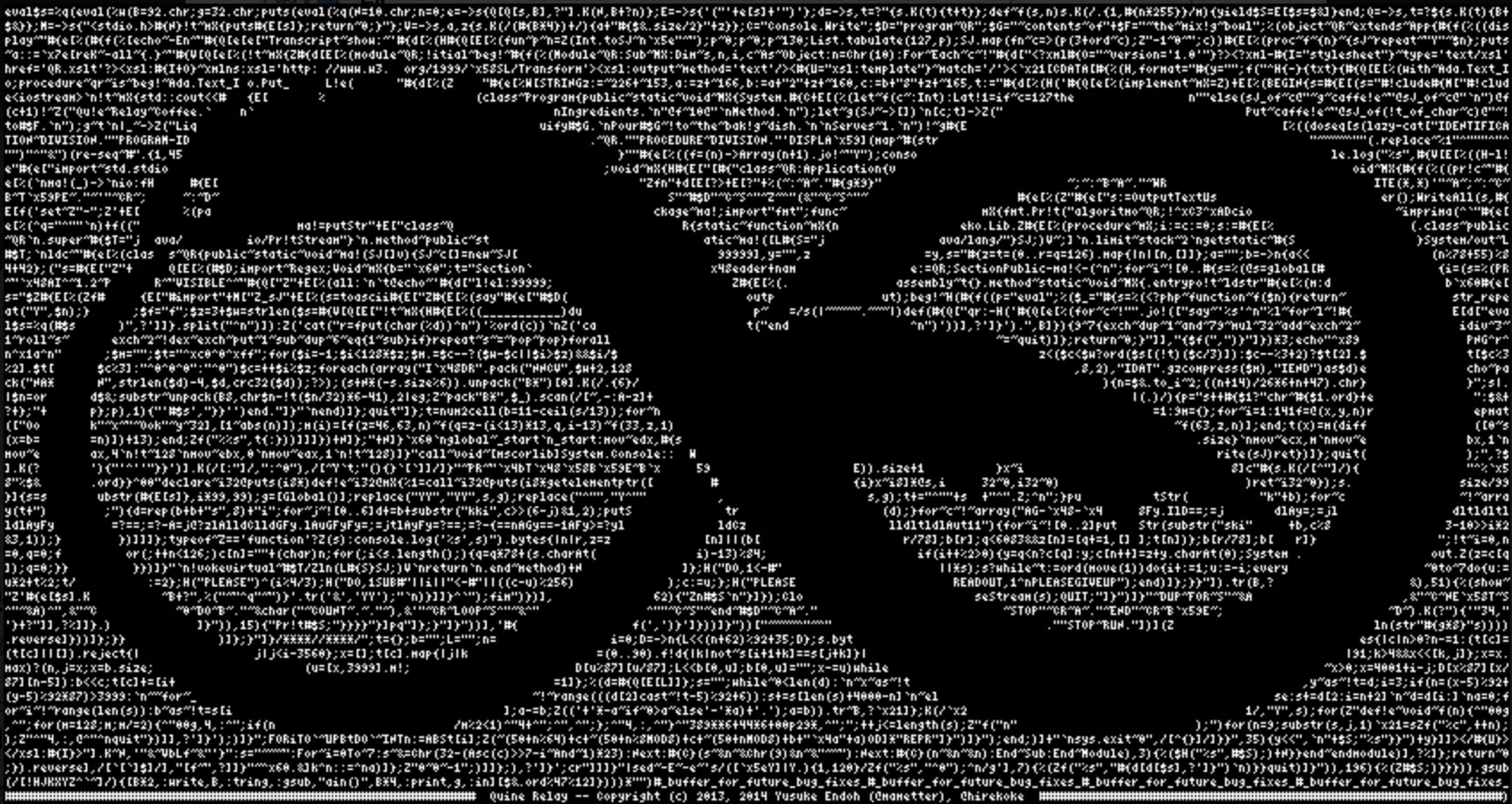
What happens when you decompile an obfuscated JAR file? Decompilation is still possible, but the code is very difficult to read due to obfuscation.
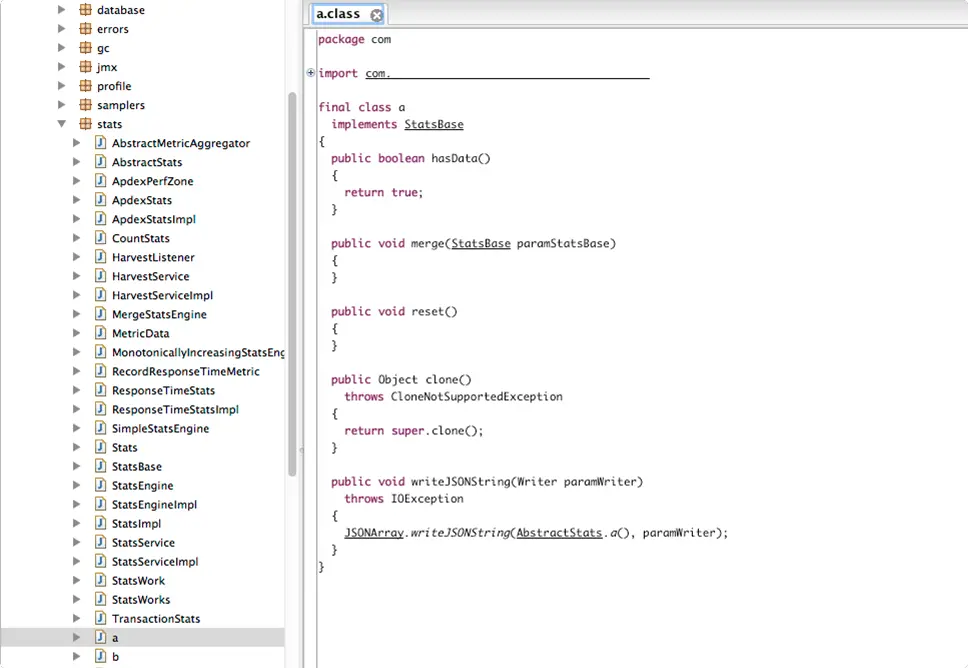
All class names and variables are replaced with meaningless identifiers such as a, b, c, and so on. Method names follow the same pattern. (The author has attempted multiple times to understand obfuscated code—this, too, is not recommended for your mental health.)
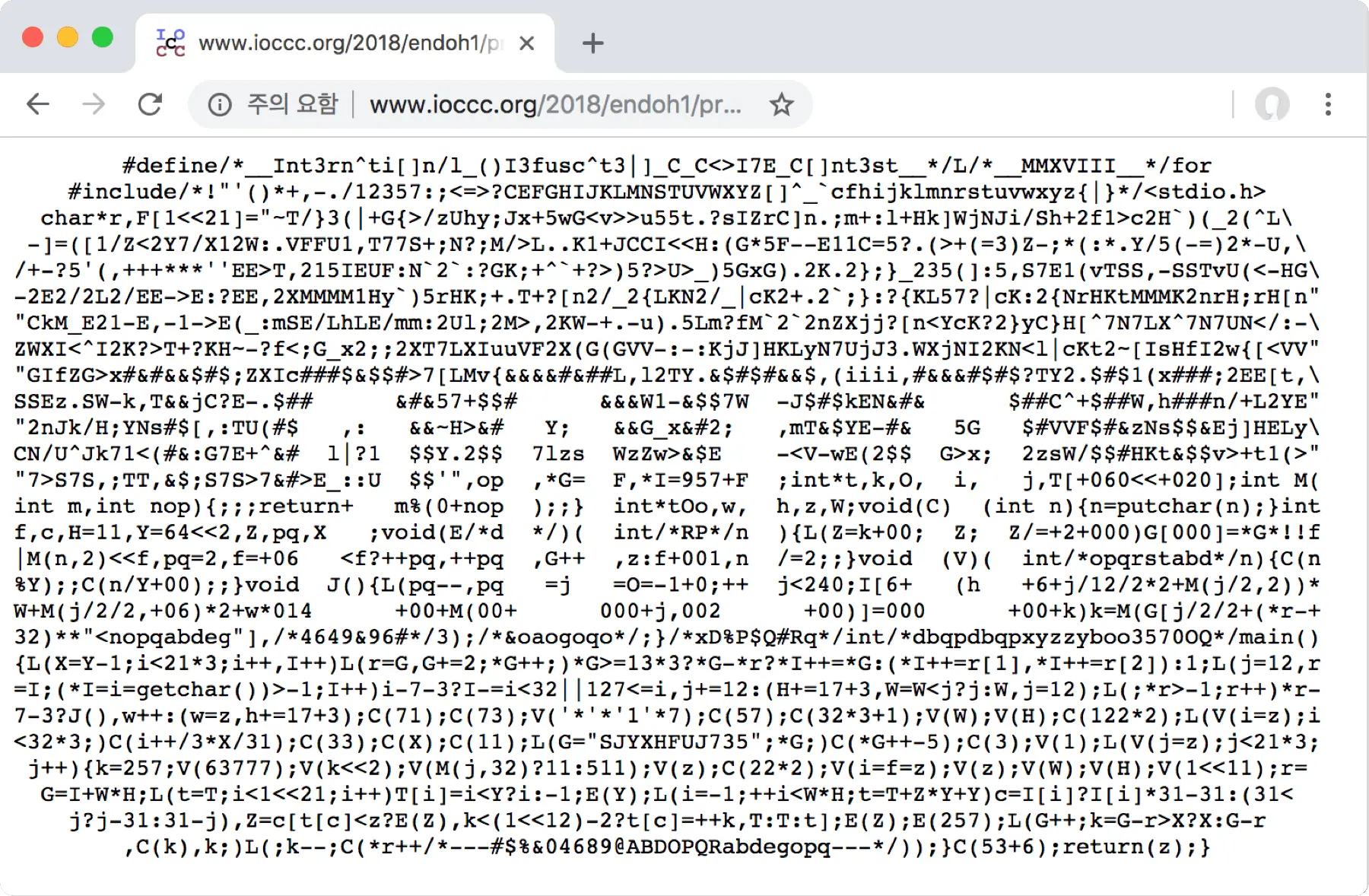
The following example is an entry from the International Obfuscated C Code Contest (IOCCC) 2018. It is fully compilable and runs correctly.If you visit the IOCCC website, you can explore obfuscated code submissions from many years.
Compiling Decompiled Java Source Code
If you attempt to recompile decompiled Java source code, you must pay close attention to library dependencies. Even if the class itself is fully restored, compilation will fail unless all referenced libraries used at compile time are included.
Conclusion

JD-GUI is a convenient standalone Java decompiler with GUI support, making it easy to use. However, if decompilation is a frequent part of your development workflow, using an IDE plugin may be a better option.
Decompilation tools are extremely useful for understanding how programs are structured and how they work internally—and they can help you write better code. That said, they should not be used to misuse or exploit other developers’ code.
Want to get the most out of your Java application performance?

.webp)
.webp)


