.svg)
Share
Copied!


DIDISAM is an online education platform built around the slogan “Easy to prepare training, easy to operate.” Since visual information is remembered longer than text—and combining sight and sound reduces cognitive load—DIDISAM designed its service around video-based learning to make education more accessible and intuitive.
To address regional education gaps, DIDISAM launched online courses and automated the content-creation pipeline, enabling educational content to be produced quickly from recorded videos. DIDISAM provides a SaaS-based Learning Management System (LMS) that allows anyone to build an LMS platform or course website.
We spoke directly with CTO Kim Dae-hee (hereafter Dae-hee) and developer Kim Ah-hyeon (hereafter Ah-hyeon) about how they use WhaTap to operate and scale the service.
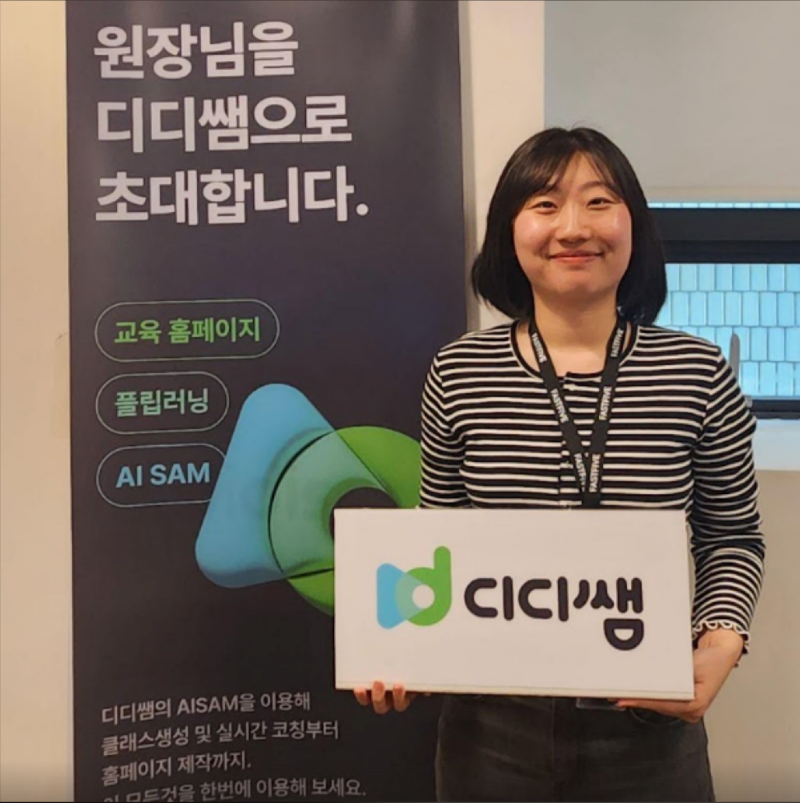
Q. Please introduce the Santa development team and your roles.
Ah-hyeon: Santa is a development team of nine people—one CTO, four frontend engineers, and four backend engineers. All developers participate in development and operations in a DevOps model, and backend engineers manage the infrastructure.
Q. How is Santa’s IT infrastructure structured?
Dae-hee: The DIDISAM (DiDi Tutor) service currently runs on AWS. Our backend APIs use AWS Elastic Beanstalk, while our databases run on Amazon RDS and Redis. These AWS resources are fully integrated with WhaTap for monitoring. The frontend is deployed through AWS Amplify.
We may move toward a multi-cloud strategy in the future, including the Naver Cloud Platform. Our backend primarily uses Laravel and PHP, while performance-critical components run in Java.
Q. What led you to choose WhaTap?
Ah-hyeon: Before our service launch last September, DIDISAM needed detailed server load testing and API monitoring. CTO Dae-hee strongly recommended WhaTap, which led to the adoption. Our legacy service used Amazon CloudWatch, but reviewing detailed logs was difficult.
Dae-hee: I’ve used WhaTap during three different service development cycles. After joining Santa in February last year, I needed a tool to validate API performance and ensure appropriate frontend API usage during the DiDi Tutor development process. That’s when we began using WhaTap. Today, all backend developers rely heavily on it.
Q. What monitoring tools did you use before adopting WhaTap?
Dae-hee: Previously, I used an on-premise monitoring solution, and we also built internal tools by collecting necessary metrics ourselves.
Q. Did you create your own monitoring system before WhaTap?
Dae-hee: Yes. Whenever monitoring was required, I developed custom tools. Development-side and operations-side monitoring require different approaches.
Before WhaTap, we relied heavily on logs to track various service indicators, transactions, and performance. When introducing WhaTap, I emphasized that “monitoring should work on behalf of developers.”
Without a dedicated monitoring solution, developers must invest significant time in both development and operations. Monitoring reduces developer labor costs—and that’s why we use WhaTap.
Q. Can you elaborate on the labor-cost perspective?
Dae-hee: Without a monitoring tool, developers eventually end up building and maintaining monitoring logic themselves. Since monitoring needs evolve during operation, developers spend time updating these tools instead of focusing on core product development.
By adopting a monitoring service, the scope of development work decreases. In our case, WhaTap reduces workload by about 0.5 M/M (man-months).
(M/M = man-month, a unit estimating how much one person can complete in a month.)
Q. What advantages have you seen with WhaTap?
Ah-hyeon: When deploying servers, WhaTap provides intuitive monitoring simply by installing an agent via script. In previous tools, alert configuration was complicated, but WhaTap makes status-based notifications very easy to set up.
Heatmaps help us quickly understand server usage patterns and identify problematic areas at a glance.
Dae-hee: WhaTap is incredibly intuitive. When you open the dashboard, you can instantly see where something went wrong. We structure our dashboards to leverage this clarity as much as possible.
Dae-hee: When launching the DiDi Tutor service, our service planner said it was the first time a service launch had gone so smoothly. The reason was that we incorporated WhaTap throughout development—from early feature testing to performance validation. We strengthened areas likely to cause issues for each course.

Q. Can you share specific examples?
Ah-hyeon: Early after launch, WhaTap helped us identify and fix slow APIs and queries. It was also easy to trace problematic APIs through various user scenarios. The intuitive UI and heatmaps made issue resolution fast and accurate.
Dae-hee: If you're a backend developer, you should absolutely use WhaTap. The “value for money” is excellent. If you don’t build monitoring yourself, CTOs and backend engineers will quickly understand the value of adopting a monitoring platform.
Ah-hyeon: For early-stage startups that need to set up monitoring quickly and operate stable services, I strongly recommend WhaTap Monitoring. Installing an agent on the API server enables monitoring through an intuitive, easy-to-read UI.
Developers can immediately see which API caused an issue and identify the underlying process more easily. This helps improve service quality.
WhaTap played a major role in allowing us to provide improved services to users from the very beginning. Thank you for your continued support 😊

%201.svg)


%201.svg)