.svg)
%201.svg)


%201.svg)
담당자가 프로모션 코드를 발송해 드립니다.
와탭을 경험해 보세요.
와탭을 경험해 보세요.
와탭을 경험해 보세요.
와탭을 경험해 보세요.
와탭을 경험해 보세요.
와탭을 경험해 보세요.
와탭을 경험해 보세요.
와탭을 경험해 보세요.
WhaTap AI를 경험해 보세요.
Networking Fundamentals: From LAN and WAN to Routers and Protocols
Even if you don't work in IT or have a particular interest in it, chances are you've come across the word "network" plenty of times. It's a term we use casually in everyday life — but how much do you actually know about it?
If you're someone interested in Kubernetes, a web developer, or a developer looking to make the leap from junior to senior, you've probably felt the need to deepen your understanding of networking. Especially these days, with side projects becoming so popular, more and more people are setting things up on personal servers or multi-cloud environments like AWS, GCP, and Azure. When you're configuring everything yourself, having solid networking knowledge can make the process a whole lot smoother.
And even if you're not a developer or didn't study computer science — if you collaborate with developers in your day-to-day work, having a basic grasp of networking concepts can go a long way in improving communication and getting things done.
So, shall we dive into what networking is all about?
What Is a Network?
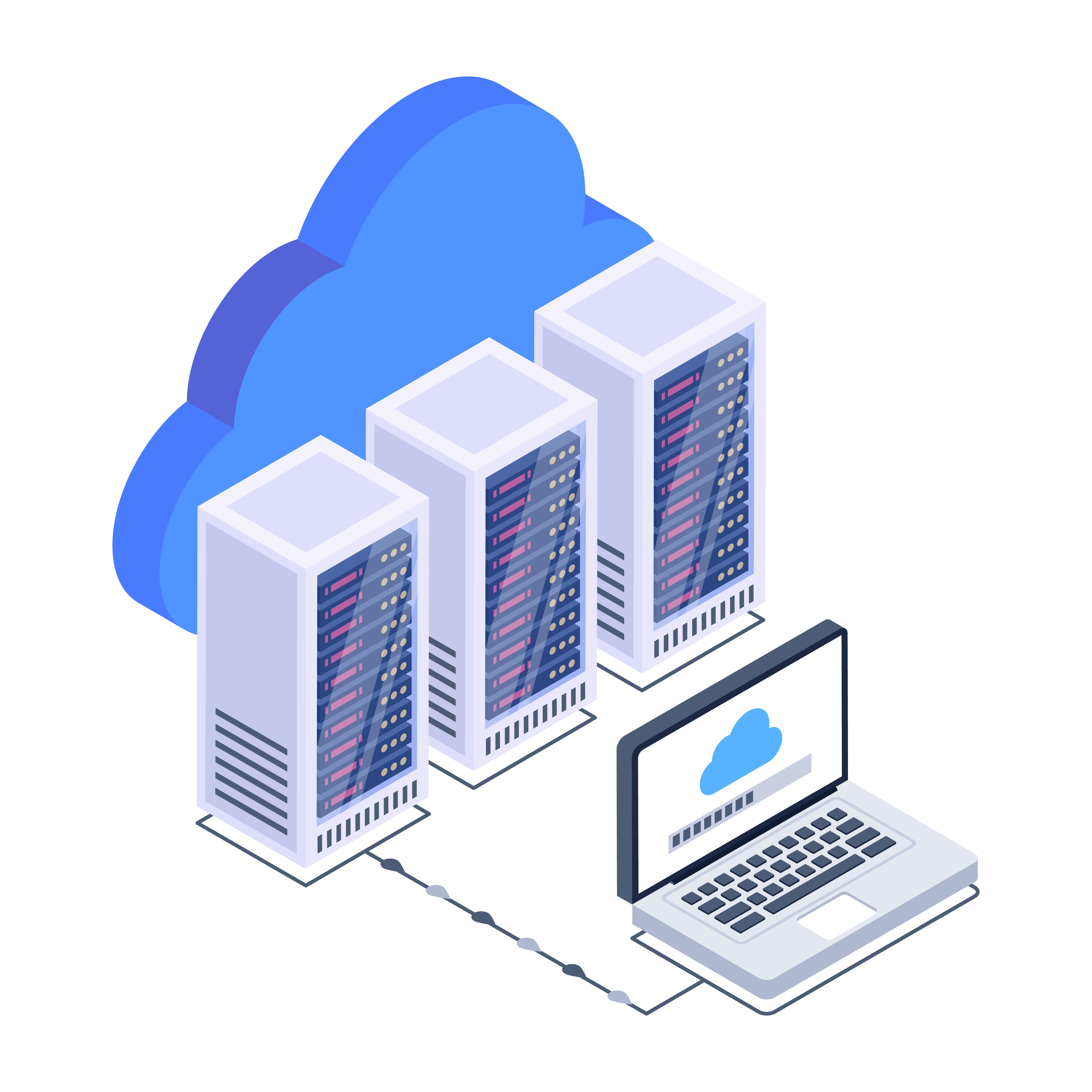
When people meet, exchange information, and build relationships, we call that networking. The word "network" is used broadly — whether we're talking about people, devices, or just about anything connected together.
The term "network" is a combination of "net" and "work," referring to things that are tightly interconnected, much like a net. In IT, it traditionally means connecting two or more computers so they can communicate with each other. But today, it goes far beyond computers. Smartphones, laptops, smartwatches, AI speakers, self-driving cars, humanoid robots, smart appliances — all sorts of internet-connected devices are now part of the network, sending and receiving data with one another.
That's why the IEEE (Institute of Electrical and Electronics Engineers) defines a network as a data communication system that enables multiple independent devices to communicate directly with each other through reasonably fast physical communication channels within a defined area.
Thanks to networks, we can message each other on apps like WhatsApp, stream music on Spotify, and access, share, and create all kinds of information.
A network encompasses everything involved in the communication process — from the physical side, like cables and hardware, to the non-physical side, like the messages and rules needed to exchange data.
LAN for Local Connections, WAN for the Bigger Picture
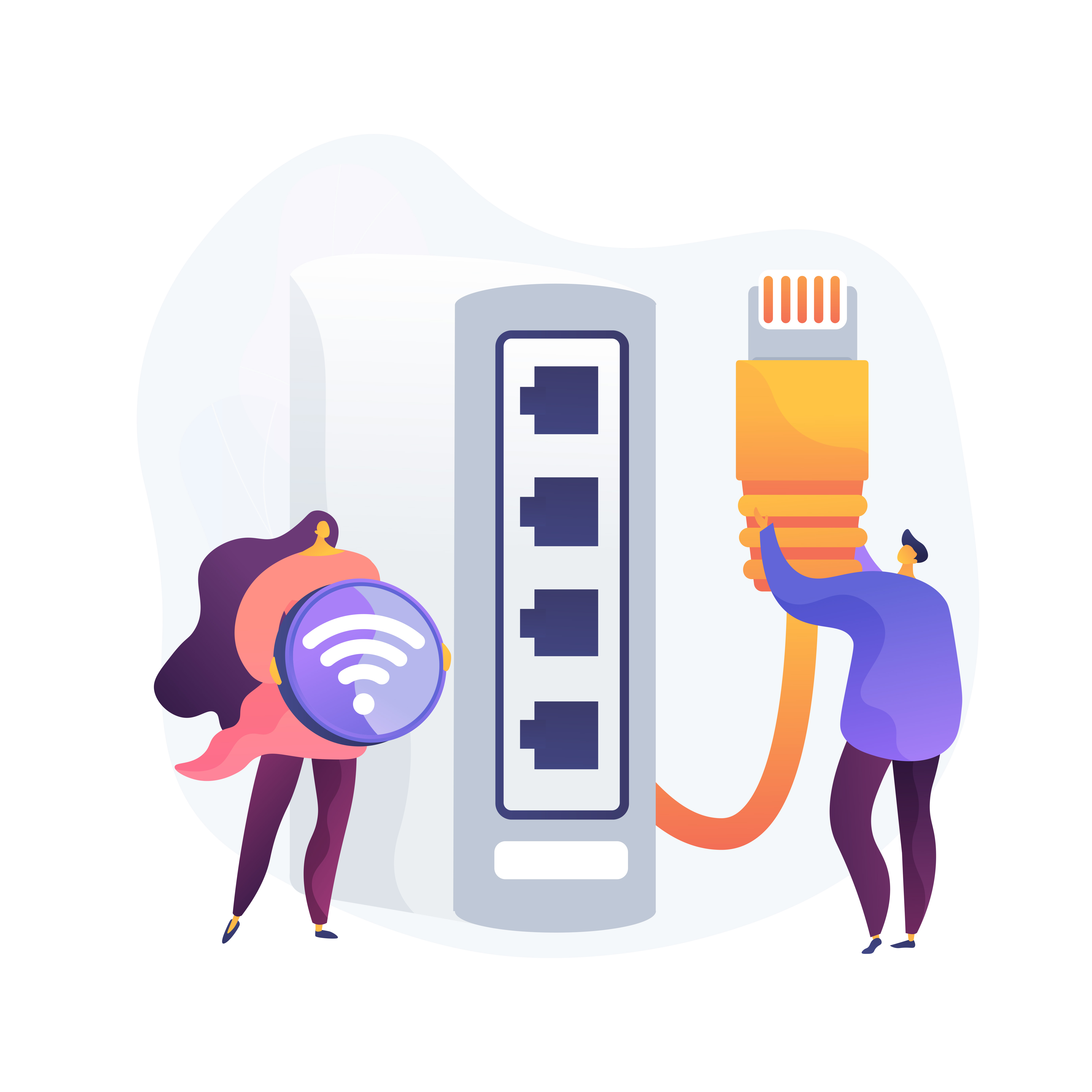
When people hear "network," they tend to imagine something virtual and intangible. But in reality, communication relies on physical cables, devices that convert electrical signals into data, and various other media working behind the scenes.
LAN stands for Local Area Network, meaning a network that covers a small, localized area. Think of the router you use at home, school, or the office — the computers, laptops, and other internet-enabled devices connected to it form a LAN. It's a small-scale network of devices that are geographically close to each other. Because the devices are physically near one another, LANs are relatively simple to set up. The short cable runs mean fewer errors and faster speeds when sending and receiving data.
WAN stands for Wide Area Network. As the name suggests, it connects broader areas — regions, countries, or even continents. A WAN is essentially multiple LANs linked together. Because of their vast physical scope, WANs are not something individuals can build on their own.
Internet service providers like AT&T, Comcast, and BT install network infrastructure across entire countries, and we simply use it. Today, 5G mobile networks are commercially available, and globally, the race to standardize 6G — targeting ultra-low latency and ultra-high bandwidth — has already begun. Because WANs are structurally more complex than LANs, they are more susceptible to various physical conditions and environmental factors. As a result, WANs are generally slower and more prone to errors compared to LANs.
Routers: Guiding Data Along the Right Path

As the internet grew and networks expanded, there was a need for devices that could connect scattered LANs and ensure data reached the right destination. That device is the router. The name comes from "route," and a router's job is to guide data along the appropriate communication path so it arrives at its destination smoothly.
Just like a map app suggests different routes depending on real-time conditions, the fastest path through a network can change based on various factors. Routers don't just point data in the right direction — they find and recommend the optimal path for the fastest delivery.
Routers store information about various paths in something called a routing table. A routing table contains the IP addresses of final destinations along with information about neighboring routers that data needs to pass through. Building and maintaining this routing table is the most important job a router does, because that's what enables it to recommend the best route.
There are two main ways to populate a routing table. One is for an administrator to manually add entries. The other is for routers to automatically exchange information with neighboring routers and update their path data accordingly. More recently, AI-powered intelligent network management has been gaining traction. AI can analyze network traffic patterns to automatically optimize routing paths, predict failures before they happen, and trigger self-recovery. This concept, known as the Autonomous Network, is spreading rapidly. Network innovation, once driven primarily by hardware vendors, is now being shaped by software and AI companies working alongside them.
But what happens if a router has incorrect information? To prevent data from getting lost or stuck in an infinite loop, each piece of data is assigned a TTL, or Time To Live.
TTL represents the lifespan of a piece of data and prevents it from circling endlessly through the network. It's included in the data's header as a number between 0 and 255. Each time the data passes through a router, the TTL decreases by a set amount. Even if the data hasn't reached its destination, once the TTL hits zero, the data is discarded.
Hubs and Switches: Delivering Data to Other Devices on the Same Network
Earlier, we said a network is about connecting two or more computers so they can communicate. But what if three, four, or even more computers need to talk to each other? Connecting every single one directly to every other would be incredibly complex, expensive, and hard to manage. So instead, the approach shifted: place one central connecting device in the middle, plug all the computers into it, and let them exchange data through that hub. This way, each computer only needs a single cable to communicate with every other device on the network.
Hubs and switches are both devices used to transmit data between different devices on the same network. They also serve to connect multiple devices and consolidate cables.
A hub is a connecting device that forwards data to every device connected to it. When an electrical signal comes in through one port, the hub sends it out through all its ports. This is called broadcast communication — it sends data to the entire network. The upside is that the hub doesn't need to figure out which device the data is meant for, which keeps things simple. The downside is that only one device can send data at a time, which degrades overall network performance. On top of that, if multiple devices try to send data simultaneously, collisions can occur.
The switch was created to solve these problems. Unlike a hub, a switch identifies which device requested the data and delivers it to that specific destination. This is called unicast communication — one source, one destination. Switches store information about the devices connected to them, so they can pinpoint exactly where data needs to go. This means multiple devices can send and receive data at the same time without any collisions.
Protocols: The Rules for Exchanging Data
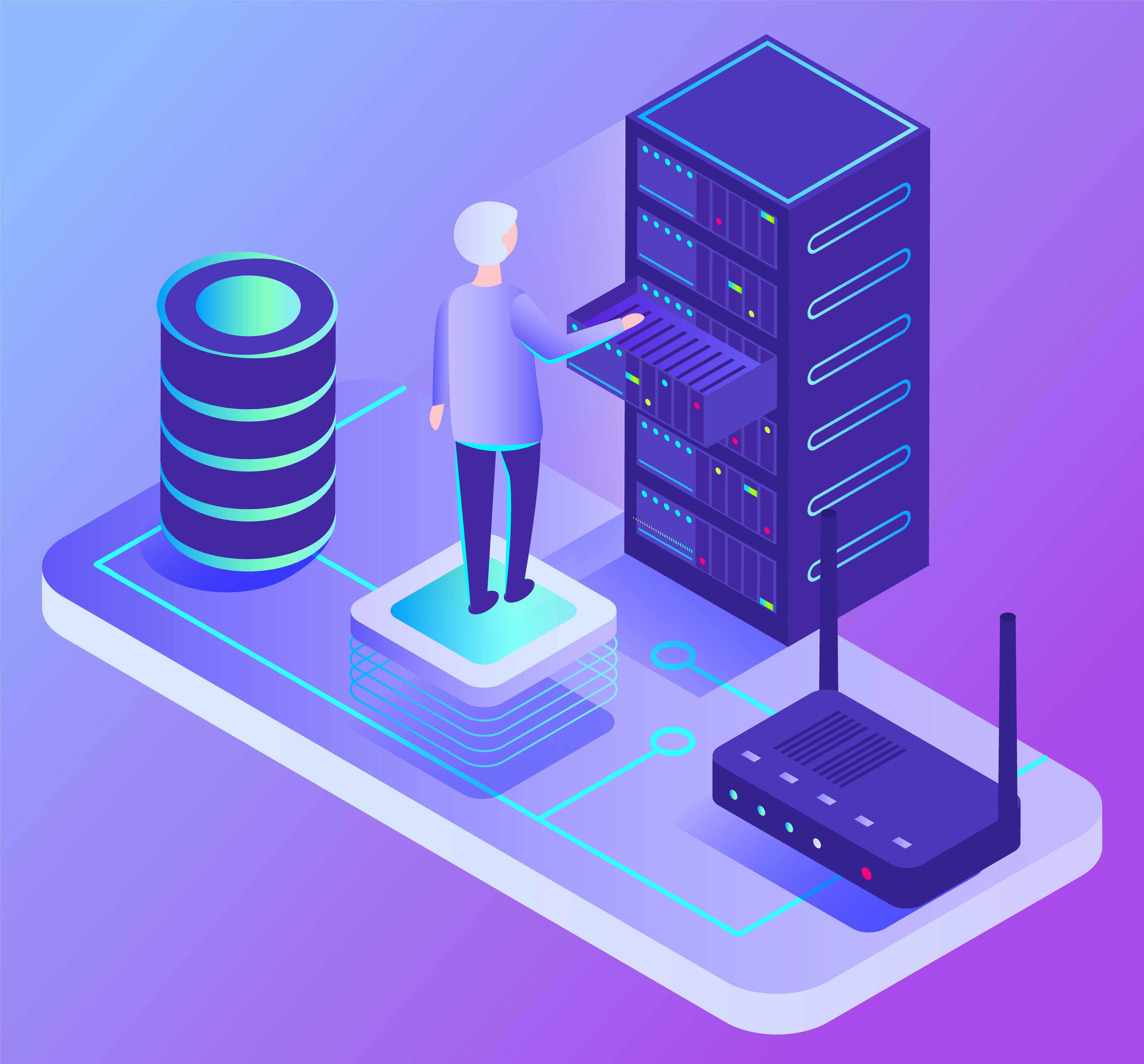
So far, we've looked at the various devices that make communication possible. But did you know that even if the content is the same, communication can break down if the data format is different on each end? Say you send data in the order of name, date, and content — but the receiving side expects name, content, and date. The date and content would end up swapped.
To prevent this, both sides need to agree on the exact same data format. This agreed-upon format is called a protocol. Protocols are the most important concept in networking. Whether we realize it or not, we're already following these established rules every time we communicate.
For smooth communication within a network, the right protocol needs to be used for each situation. If you look at the URLs you type into your browser, you'll notice they start with "http." That's HTTP — the most well-known protocol used in web communication. There are others too, like FTP for transferring files.
Protocols play a crucial role in understanding how data flows through a network, so knowing what each protocol does is extremely important.
On a related note, one of the biggest topics in network security right now is the Zero Trust model. Traditional security assumed that anything inside the network could be trusted, and focused on blocking threats from the outside. Zero Trust flips that approach — it continuously verifies every user, device, and connection, whether internal or external. Understanding security concepts like this alongside protocols will give you a much broader view of how networks work as a whole.
Wrapping Up
We've covered the core concepts and overall structure of networks together. Once the basic network infrastructure is in place — with the various devices we discussed carrying signals from source to destination and delivering data between computers — the real communication begins. And for computers to communicate, they need to follow established rules: protocols.
Today, networks are evolving into autonomous systems that leverage AI to self-optimize and respond to failures on their own. The widespread adoption of Wi-Fi 7, the global race to standardize 6G, and the growing embrace of Zero Trust security are all driving rapid change. But even amid all this evolution, understanding the fundamental principles of networking will always be a tremendous help when it comes to adopting new technologies.
Thank you for reading. 🙂
Not sure how your network is performing? Start monitoring it in real time with WhaTap!
Get Started with WhaTap Network Monitoring (NMS) for Free

.webp)
.webp)


